Hallmarked facts

Every fact that can go out of date carries its source and the date it was last checked.

The Tool Atlas

46 tools compared, from ChatGPT to n8n: what each is good at, and what to watch.

Your tools, your path

Examples and steps use the AI tools you choose when you sign up.

Knowledge base verified 25 Nov 2026Built in the UK

Why we started

Nobody gets left behind.

Read our story →

The world is a confusing place right now. Everyone has a different thought or feeling about AI, and most of them are loud. So most people nod along and quietly feel a bit behind. We built one calm place that brings it all together: what AI is, what the tools really do, what they get wrong, and what it means for you. Start where you are. A few minutes a day is enough. Nobody is racing you.

How it works

  1. I

    Get placed, not guessed.

    About five minutes. You rate yourself, then real scenarios check it, so “I use ChatGPT every day” and knowing why it gets things wrong don’t land in the same place.

  2. II

    Skip what you already know.

    Anything you’ve shown you know is marked tested out before you start. Think you know a module? Five questions and it’s cleared.

  3. III

    Learn on the tools you use.

    Pick your tools once. Lessons put their steps first, the Lab lets you practise and get feedback, and every price, limit and rule is dated so you know it still holds.

How placement works →How we verify facts →

In practice

Ask it well. Then check it.

Two habits run through every module: give an assistant what it needs to do the job, and never act on an answer you haven’t traced to a source. Here they are in the window you already use.

  1. RoleWho it should answer as.
  2. ContextYour situation, in a sentence.
  3. TaskThe one thing you need.
  4. FormatThe shape you want back.
  5. CheckAsk for the source, then read it.
You

RoleAct as the data-protection lead Contextat a 20-person UK accountancy firm that is about to let staff use ChatGPT. TaskAre the chats we type used to train its models? FormatAnswer in three short points Checkand link the page you’re relying on.

Assistant
  • Consumer chats can be used to improve models unless you turn it off in Data Controls; Business, Enterprise and Edu are excluded
  • Whatever the setting, keep client names and account details out of the prompt.
  • Record which plan and setting the firm chose, and check it again when the tool changes.

Source: help.openai.com

Checked 27 Sept 2026The first point is the live fact from our record, not words written for this picture. When the policy changes, so does this answer.

Research · AI to 2031

Why this matters over the next five years.

Read the outlook →

Capability is accelerating; the return on it is not, yet. Our outlook for 2026 to 2031 follows the evidence on jobs, businesses and daily life, and shows where each finding is taught in the course.

−27%
UK entry-level hiring for software engineers in the year to April 2026 (accountants −29%; overall UK hiring −14%)DSIT
34%
The pay premium on UK job adverts that ask for AI skillsPwC UK
5–12%
Firms reporting clear financial returns from AI; 56% of chief executives report no significant benefitPwC; BCG

Twelve calls for 2031, and six moves to make →The next five years in ten numbers →

Free to read · hallmarked on every row

The Tool Atlas.

Open the Tool Atlas →

46 AI tools, each with a plain strength, a plain limitation, who it suits and what it costs. No tool is “best”. The right one depends on the job.

General assistants
ChatGPT · Gemini · Claude · Microsoft Copilot · Meta AI · Grok · DeepSeek · Mistral Vibe
Research and study
Perplexity · Gemini Notebook
Create
Canva AI · Adobe Firefly · Midjourney · Kling AI · ElevenLabs · Suno
Work
Grammarly · Notion AI · Gamma · Otter.ai
Automate and agents
Zapier · Make · n8n · Copilot Studio
Build
Claude Code · OpenAI Codex · GitHub Copilot · Cursor · Lovable · Replit · Google AI Studio · Hugging Face
Social media
CapCut · Hootsuite · Buffer · Sprout Social · Opus Clip · Descript
Projects and delivery
Jira · Asana · monday.com · ClickUp · Microsoft Planner · Smartsheet · Miro · Trello

Or start from where you are: Curious beginners · Working professionals · Business owners · Builders · Leaders

Role modules · included in Pro

Then go deep on the job you do.

See the role modules →

Six modules on using AI in one line of work, built on the same checked facts as the levels. Your path includes them when they fit your role.

Role modules · Social media and AI

AI for social media managers

Plan, make, schedule and measure social content with AI, inside the UK rules.

  1. Strategy and audience with AI
  2. Writing for social with AI
  3. Images and video with AI
  4. Planning, scheduling and community
  5. Paid social and performance with AI
  6. Rules, risk and reputation

6 modules · 32 lessons · for marketers, social media managers, agency staff and small-business owners who run their own channels

What’s in it →

Role modules · Project and delivery management with AI

AI for project and delivery managers

Scope, plan, run and report projects with AI, and deliver AI projects that work.

  1. The AI-assisted project manager
  2. Scoping, estimating and planning with AI
  3. Risks, decisions and the register
  4. Status, meetings and stakeholders
  5. Agile delivery with AI
  6. Delivering an AI project

6 modules · 33 lessons · for project, programme and delivery managers, PMO staff, scrum masters and anyone who runs work for a living

What’s in it →

The Teach me AI certificate

Finish a level. Show the proof.

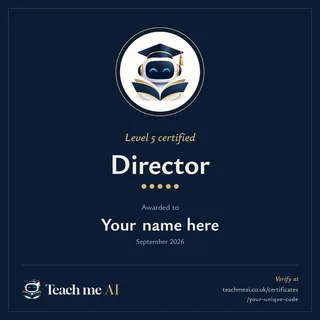
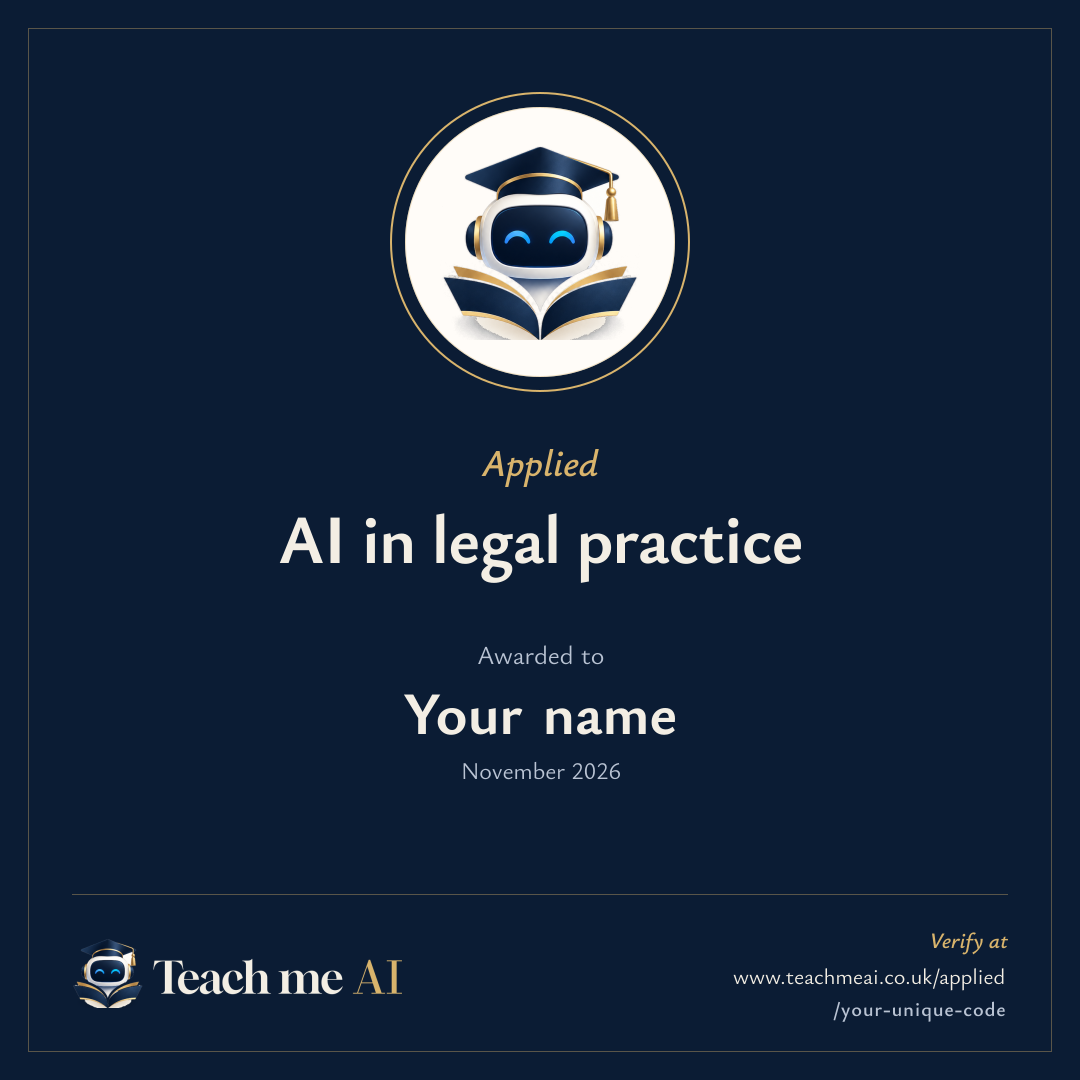
Every level ends in a certificate with your name on it, and the capstone project ends in an Applied credential for your own role. Pass each module’s test and it’s yours on the spot: a badge for LinkedIn, a PDF for your CV, and a page anyone can check.

The badge
Sized for LinkedInAdd it to your profile or share it in one tap.
The PDF
The one for your CVEvery module it covered, listed on it.
The record
A page anyone can checkWhen you earned it, what it covered, and whether what it tested still holds.
How certification works →
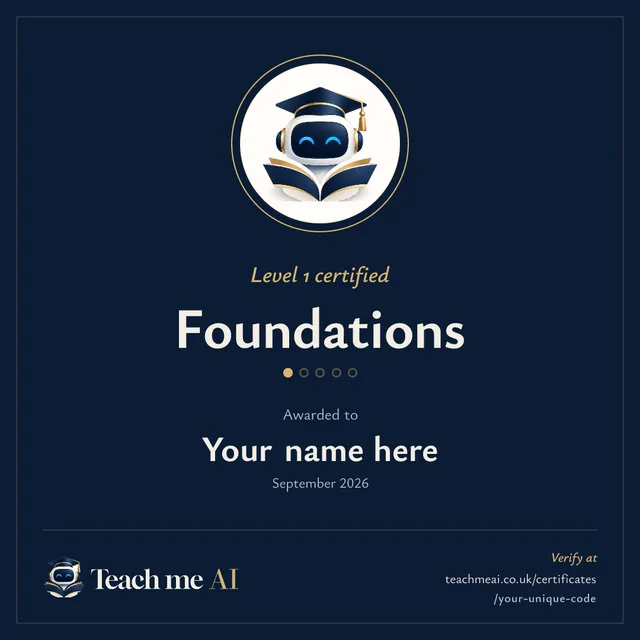
A sample Level 1 Foundations badge
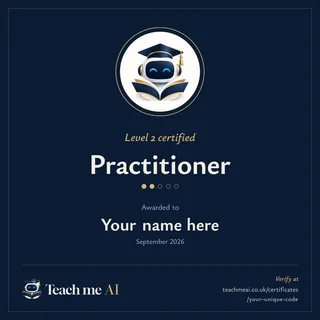
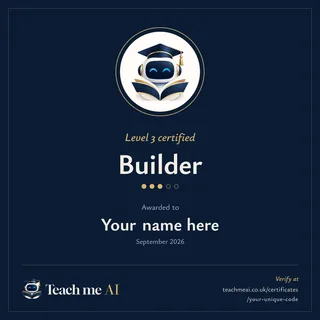
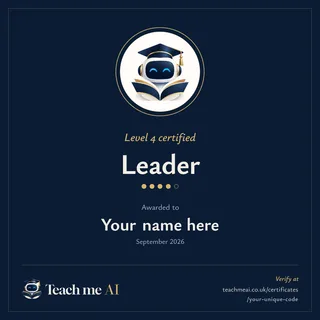
Sample badges · Levels I–V and AppliedCheck a certificate →

From Module 1 · What AI actually is

This is what a lesson actually reads like.

8 min read · every volatile fact in it is live and dated

Five habits for learning AI

AI tools change constantly. Features appear, prices shift and even names move: NotebookLM was renamed Gemini Notebook (date not stated)✓, and Le Chat was renamed Vibe on 12 August 2026; accounts and conversations carried over✓. If you learn only where the buttons are, you'll be relearning every few months. If you understand what's going on underneath (prediction, training data, the limits you've met in this module) you can pick up any new tool quickly.

Reading about AI only gets you so far. Ten minutes trying something, noticing what happened and adjusting teaches more than an hour of articles. Most lessons here end with a short practice task for exactly that reason.

Read the full lesson →

Pricing

Start free. Upgrade when you’re ready.

Compare plans →

Free

£0

No card needed.

  • The placement assessment
  • Your path, plus a full module
  • Lesson one of every other module
Start free →

Pro

£19/month

or £149/year · 7-day free trial

  • Every released module (30 modules, 177 lessons)
  • The Lab, Ask and every module test
  • 5 certificates you can share, one per level
  • The role modules for social media and project and delivery work
  • A capstone project and an Applied credential
Start the trial →

Teams

£12/seat/month

Pro, for the whole team

  • Everyone placed, nobody guessed
  • A skills matrix a manager can read
  • Early access: register your interest
See team plans →